
When to Use Gutenberg, Kadence or Other Tools
Most clients are not choosing a website because it uses Gutenberg, Kadence or anything else. They want to know whether the site will be fast, sensible to update, and built in a way that actually fits the job. That is the right way to look at it, because these are just different ways of building within WordPress, not signs of quality on their own. I have seen simple brochure sites made awkward by the wrong setup, and larger sites boxed in by tools that were fine until the business needed more control.
The useful question is not which tool is “best”, but what level of structure, flexibility and editing freedom the project really needs. A small marketing site with a clear page layout often benefits from a leaner approach, while a content-heavy site, a design-led build or anything with bespoke functionality usually needs more careful decisions about how pages are created, how reusable elements are managed, and how easy the whole thing will be to maintain six months later when nobody remembers why it was set up that way.
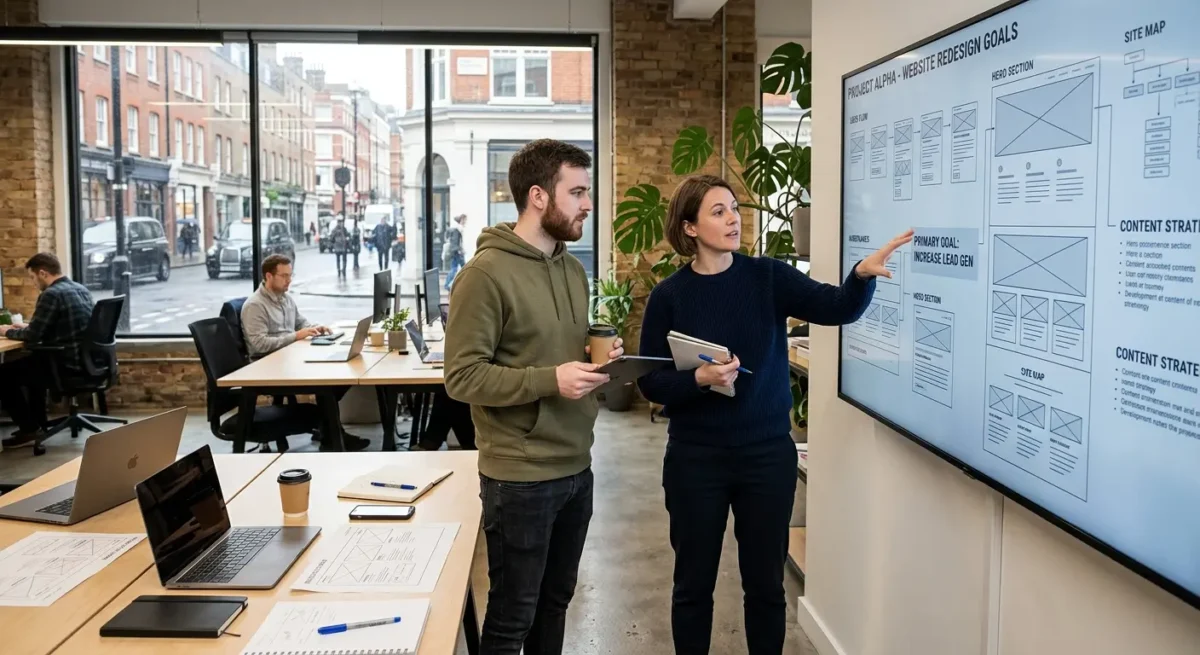
Start with the job the website needs to do
Decide what the site has to achieve before choosing how it should be built.
A brochure site, a lead generation site, a publication, a membership site and a custom web application do not need the same setup, even if they all run on WordPress.
A small professional services website might only need a handful of well structured pages, clear calls to action and an editor that is hard to break. A publication with regular articles, category pages, authors and archives needs stronger content structure. A membership site or custom application brings a different level of logic again, because user accounts, permissions, private content and ongoing development change the build approach from the start.
The real decision points
The right tool depends on how the content is organised, how many page types the site needs, how far the website design departs from standard layouts, and who will be editing it after launch. If one person in the business is going to update pages occasionally, that points to a different setup from a marketing team managing landing pages, case studies, resources and campaign content every week.
I have seen projects choose a build approach too early because somebody liked a demo or wanted a familiar plugin. That usually creates one of two problems: unnecessary complexity on a simple site, or limitations that only show up once the business wants new page types, tighter brand control or cleaner editing rules.

What Gutenberg is good at
It is WordPress’s built in block editor, and it suits projects that need clear structure without adding extra moving parts.
Gutenberg is the standard editor that comes with WordPress. It builds pages and posts from blocks, so headings, text, images, buttons, quotes and layouts are added as separate pieces rather than being dumped into one large editing box.
It works well for straightforward marketing sites, service pages, standard landing pages and blog content where the structure is fairly clear from the start. If a business needs a solid brochure site with reusable page sections, sensible formatting rules and content that staff can update without much training, Gutenberg is often a sensible default.
Why native tools are often easier to live with
Using the core WordPress editor usually means fewer extra systems layered on top, which tends to make long term maintenance cleaner. Handover is often easier as well, because most WordPress editors will already recognise the interface, and content teams are not forced to learn a heavily customised builder just to change a heading, swap an image or publish an article.
Where it starts to feel tight
The limits show up when the web design is highly bespoke or when clients expect drag and drop freedom across every part of every page. Gutenberg can be made flexible, but if the layout changes constantly, the page compositions are unusually varied, or editors want to move anything anywhere without constraints, another setup may be a better fit.

Where Kadence makes sense
A sensible middle ground for sites that need more design control without turning the build into a custom development project
Kadence is a WordPress theme with related tools that extend what can be done inside the standard editor. In practice, that means more control over layout, spacing, headers, footers, global styling and reusable sections, while still working within WordPress rather than replacing it with a separate builder.
Where it helps
I tend to look at it for projects that sit between a simple Gutenberg build and a fully custom front end. A growing SME often wants a site that feels properly branded, has cleaner page structures, and gives marketing staff a faster way to build consistent pages without asking for every section to be coded from scratch.
That can work well when the site needs more refined layout options, reusable web design patterns and stronger site-wide control over colours, type and spacing. You can get to a polished result faster, which matters when the budget is sensible but not unlimited, and the business still expects something that feels considered rather than off the shelf.
The trade-off
More flexibility is useful, but it still needs discipline. If Kadence is piled on without clear rules, you can end up with the same problem seen in many template-heavy builds: too many options, inconsistent pages and a site that looks bespoke at first glance but becomes messy once different people start editing it. Used with restraint, it is a strong fit for SMEs that want a bespoke-feeling site without paying for every element to be built from the ground up.
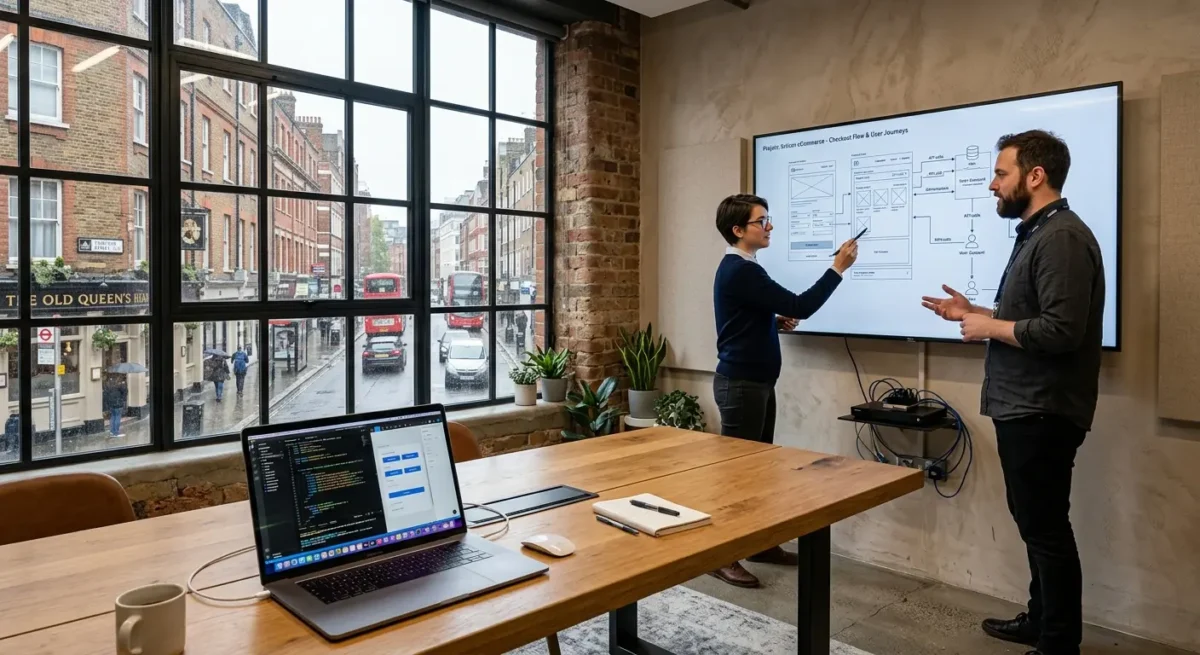
When other tools are the better choice
Some projects need purpose-built parts, not more layout options inside the editor.
If a site has unusual content structures, a more involved user journey, or has to connect properly with other business systems, I would usually stop thinking in terms of page builder flexibility and look at custom development instead. That might mean a custom theme, custom blocks, or specific components built around the way the business actually works rather than forcing everything into standard page sections.
Where custom work earns its place
This tends to apply where content is not just pages and posts. Examples include property listings, course directories, staff portals, member areas, resource libraries with detailed filtering, or sites where users need to compare options, submit structured information, or move through a defined multi-step journey. The same applies when the design system is distinctive enough that prebuilt layouts start getting in the way, or where advanced search and filtering need to work properly rather than look impressive in a demo.
Some requirements are better solved with specialist plugins than by building everything from scratch. Ecommerce, memberships, bookings, and multilingual setups often fall into that category, depending on the brief, the editorial process, and how much control the client needs day to day. The right answer is not always the most custom one. It is the one that handles the job cleanly without creating unnecessary maintenance or awkward workarounds later.
Add tools for a reason
I am wary of stacks padded out with extras that do not solve a real problem. Every added tool affects editing, performance, support, and the chances of something becoming fragile after updates. If a plugin, integration, or custom build is being added, there should be a clear reason for it in the brief, not just a vague idea that more technology must mean a better site.
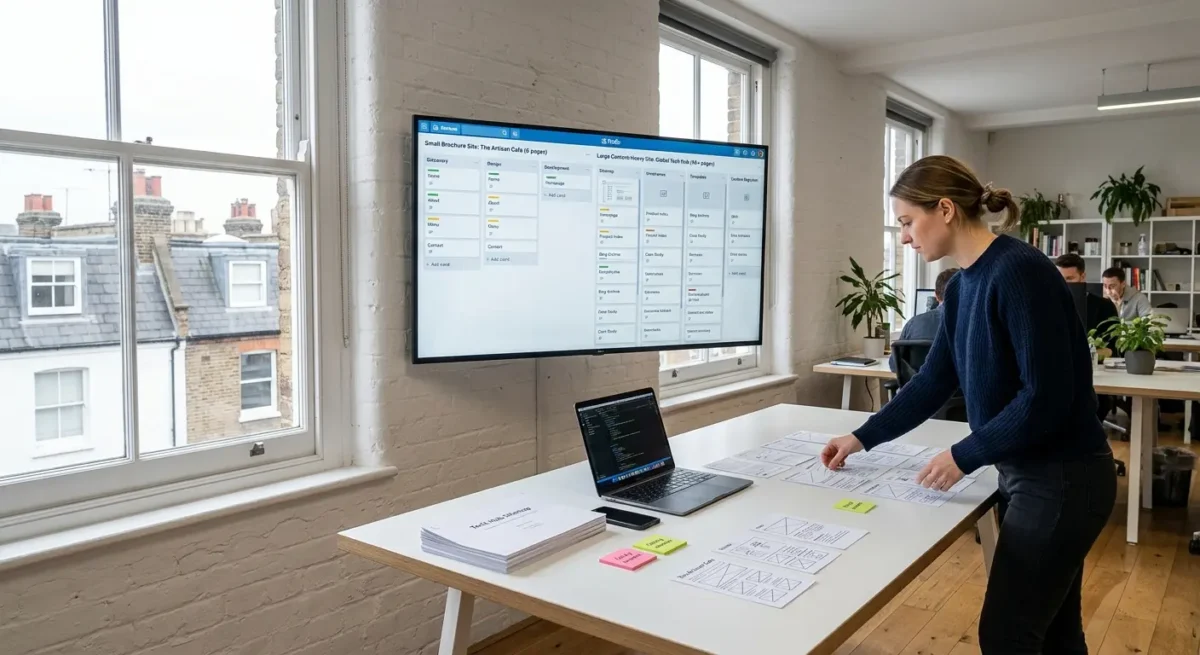
How project size changes the right decision
Page count helps, but the real choice depends on content structure, editing needs, and how much control the site has to support day to day.
A small brochure site with straightforward pages, clear services, and no unusual functionality will often do best with a lean Gutenberg setup. That usually keeps the site faster, cleaner to manage, and less dependent on extra layers that are not earning their place. If the content is simple, I would rather keep the build disciplined than add more tooling just because it exists.
Medium projects usually need more structure
Once a site has more sections, more page types, or more people involved in editing, Kadence or a hybrid approach often starts to make sense. That can work well for firms with service pages, case studies, team profiles, resources, and landing pages that need to stay consistent without every page being hand-built from scratch. The useful part is not more design freedom on its own, but a clearer system for reusable sections, templates, and sensible editing control.
More complex projects usually justify custom theme work, custom blocks, or deeper planning around templates and content architecture before design details are even discussed. That applies when content types multiply, user journeys branch off, search and filtering need to work properly, or internal teams need tightly controlled editing patterns. A ten-page site can still fall into this category if it has difficult integrations, legal review stages, multilingual approval, or several stakeholders who all need different levels of access and sign-off.
Complexity is often hidden
I have seen compact sites take more planning than much larger ones because the hard part was never the number of pages. It was the workflow behind them, the way content had to be structured, and the consequences of getting that structure wrong later. That is why project size is useful as a first filter, but not a rule.

How much control the client team actually needs
The useful question is who updates what, and which parts of the site should stay protected.
There is a big difference between content control and layout control. Most businesses need to change words, images, team details, case studies, offers, and occasional page sections. Far fewer need staff to freely move columns, adjust spacing, rebuild page structures, or make design decisions on the fly.
More freedom is not always more useful
I have seen plenty of sites where full editing freedom looked generous at handover and became a nuisance six months later. One person adds extra buttons, another changes heading sizes, someone else duplicates an old page and edits around the edges, and the site starts to drift. That is not a technical problem for its own sake. It affects consistency, trust, approval time, and how quickly the team can publish without second guessing the result.
Many teams work better with clear boundaries. If the layout is already doing its job, there is often no business value in making every part of every page editable. A marketing manager may need control over page copy, featured testimonials, FAQs and campaign landing pages, while service page structure, calls to action, and core design patterns are better kept stable so the site remains coherent.
Controlled flexibility tends to age better
This is where sensible templates, reusable sections, and clearly defined editing areas earn their place. They give a team enough room to keep content current without inviting accidental website redesigns every week. In practice, that usually means editable fields for the parts that genuinely change, combined with protected layouts for the parts that should stay consistent across the site.

Performance, maintenance and long-term fit
The way a site is built shapes how easy it is to keep fast, stable and straightforward to update after launch.
A site can look fine on handover and still become awkward to manage if the build relies on too many layers doing similar jobs. Extra plugins, overlapping design settings, and stacked theme options do not always break anything, but they give you more places to check when something needs updating or stops behaving as expected.
Fewer moving parts usually makes life easier
This is one reason build choice matters beyond design preference. If a page depends on a theme framework, a page builder, several add-ons, and custom fixes sitting between them, routine maintenance takes more care, and troubleshooting gets slower because the source of the problem is less obvious.
Gutenberg and Kadence can both be sensible long-term options. I have seen both work well. The difference is usually not the logo on the toolset but whether the site has been planned with discipline, with clear patterns for layouts, sensible use of reusable sections, and a hard line on features that add clutter without adding value.
Think a few years ahead, not just to launch day
Short-term convenience can be expensive if it leaves you with a site that is fiddly to improve, harder to test, or too dependent on one way of editing everything. For businesses that expect to keep refining service pages, adding landing pages, publishing insights, or expanding into new content over time, the better choice is usually the one that stays understandable and reliable as the site grows.
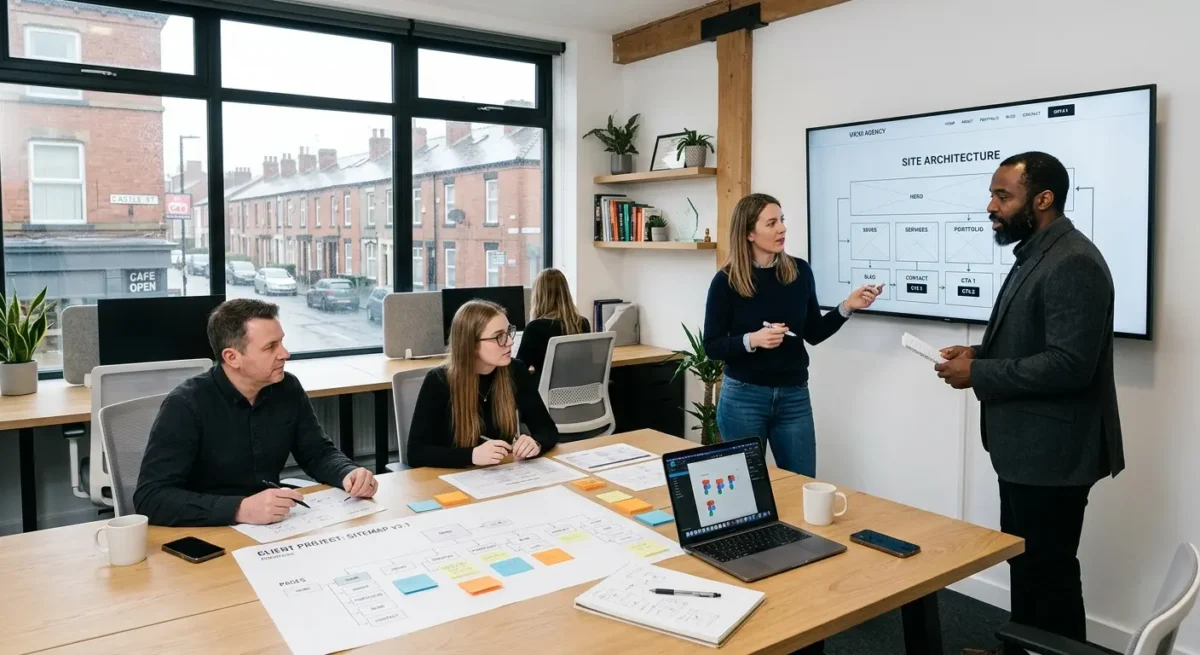
A sensible way to choose between Gutenberg, Kadence and custom work
Use four practical checks so the choice matches the job, not the trend.
Start with site complexity. A straightforward brochure site, service-led business website, or content-led marketing site will often sit comfortably in Gutenberg, sometimes with Kadence helping on layout and global styling. If the project includes unusual content structures, complex user journeys, integrations, member areas, or functionality that does not map neatly to standard WordPress patterns, custom work usually becomes the cleaner option.
Design and editing need to be judged separately
Bespoke web design does not automatically mean a fully custom build, and broad editing freedom is not always a good thing. I have worked on sites where the design was tailored to the business but the editing model stayed tightly controlled because that kept quality high and day-to-day updates simple. In other cases, a marketing team genuinely needed flexible landing pages, so a hybrid setup made more sense, with stable templates for core pages and more freedom in selected areas.
Then look at future development. If the site is likely to grow steadily with new sections, refined conversion paths, fresh campaign pages, or deeper content over time, ask whether the chosen setup will still feel clear in two years rather than just convenient on launch day. The right answer is often a blend of Gutenberg, Kadence and custom elements, with each used where it fits cleanly instead of forcing the whole site into one approach.
Questions worth asking before a build starts
Ask how the site will be structured, which parts will be editable, what relies on third-party tools, and how future changes will be handled if the business grows or priorities shift. Those answers usually tell you more than the tool names do, because the best setup is the one that fits the project without unnecessary layers and stays manageable after launch.
Things People Want to Know
A Web Designer‘s Take
We often see businesses arrive after a build that gave everyone too many layout options and no clear rules, which usually means the site looked fine at launch but drifted once real updates started. A common problem is staff dragging blocks around in the editor to make one page fit a bit more text, then accidentally breaking spacing and consistency elsewhere.
If a site needs tight control, repeatable page structures and dependable editing, Gutenberg with well-planned custom blocks is usually the better choice. If the project is smaller and the layout demands are straightforward, Kadence or another tool can be perfectly reasonable, but only if it is not being used to fake flexibility that the site does not really need.
You might like these too
These sit in the same category as the one you are reading. They follow the same thread and offer a bit more depth. Have a look if you want to go further.