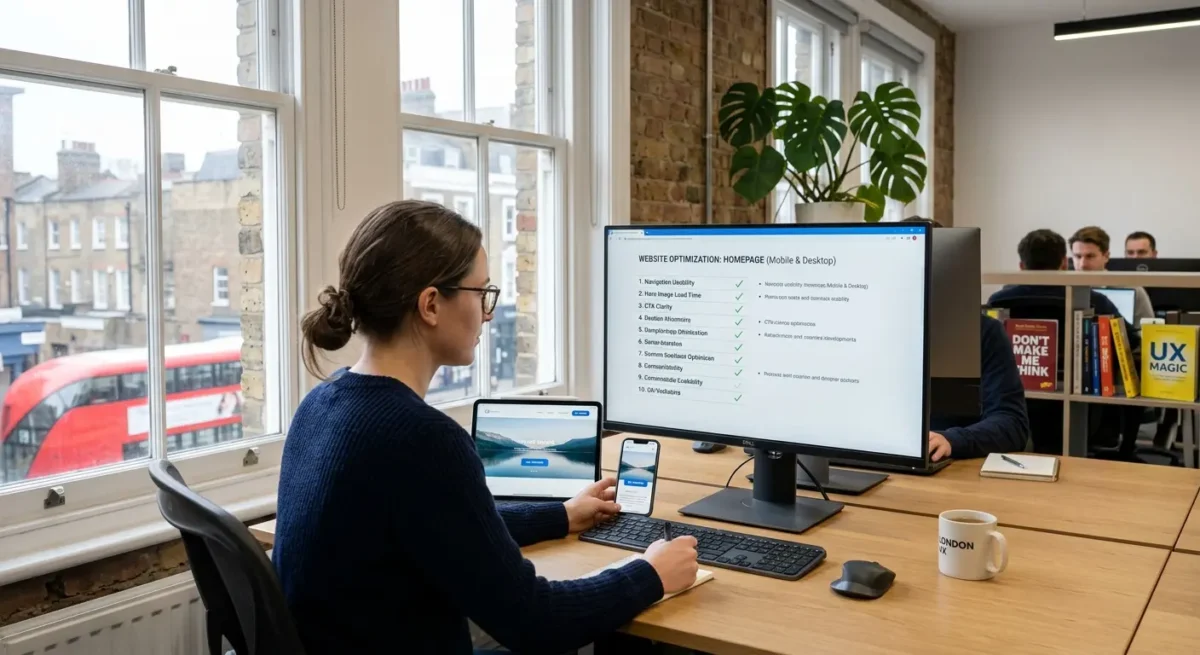
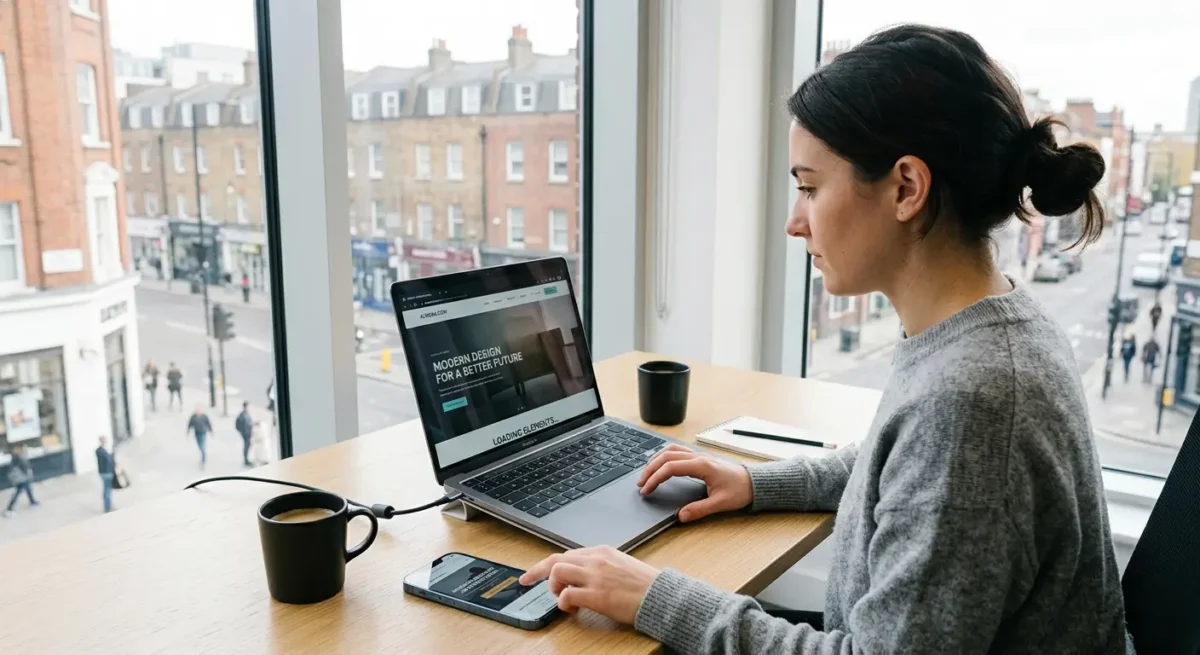
Largest Contentful Paint: how quickly the main content appears
This is the moment a page feels properly there, not just technically loaded.
On most created business websites, the largest element is usually the main hero image, a large heading block, or a wide text-and-image banner near the top of the page. If that part arrives late, people feel the delay straight away, even if smaller bits of the page have already appeared.
Where homepage design often causes the delay
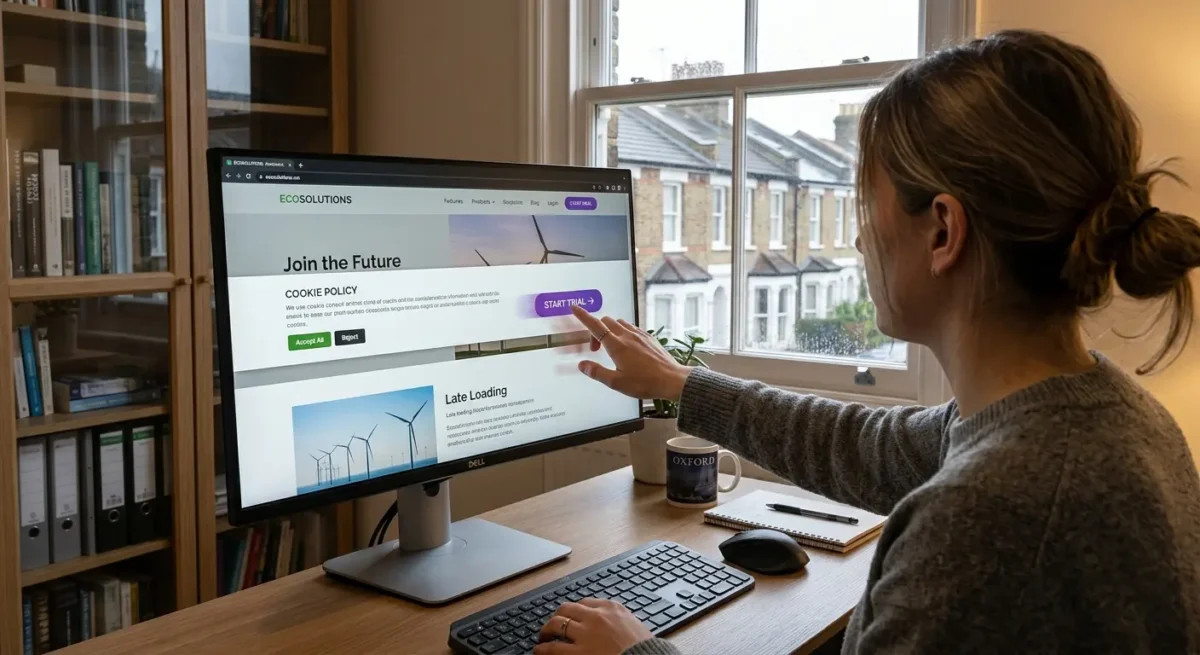
I see the same pattern quite often on rebuilds: a homepage tries to do too much before the visitor has even started scrolling. Full-width background images, video headers, rotating sliders, layered animations and oversized hero sections can all make the main content slower to appear, especially on mobile data or older phones. A large background image is particularly awkward because it often carries a lot of visual weight while giving the browser less obvious priority than a normal image element with proper dimensions.
Cheap themes, heavy page builders and too many plugins often make this worse because they load extra code, styles, scripts and font files before the important content is ready. WordPress itself is not the issue here. The problem is usually the stack built on top of it, especially where a template has been packed with effects, generic features and third-party add-ons that the site does not really need.
What usually helps in practice
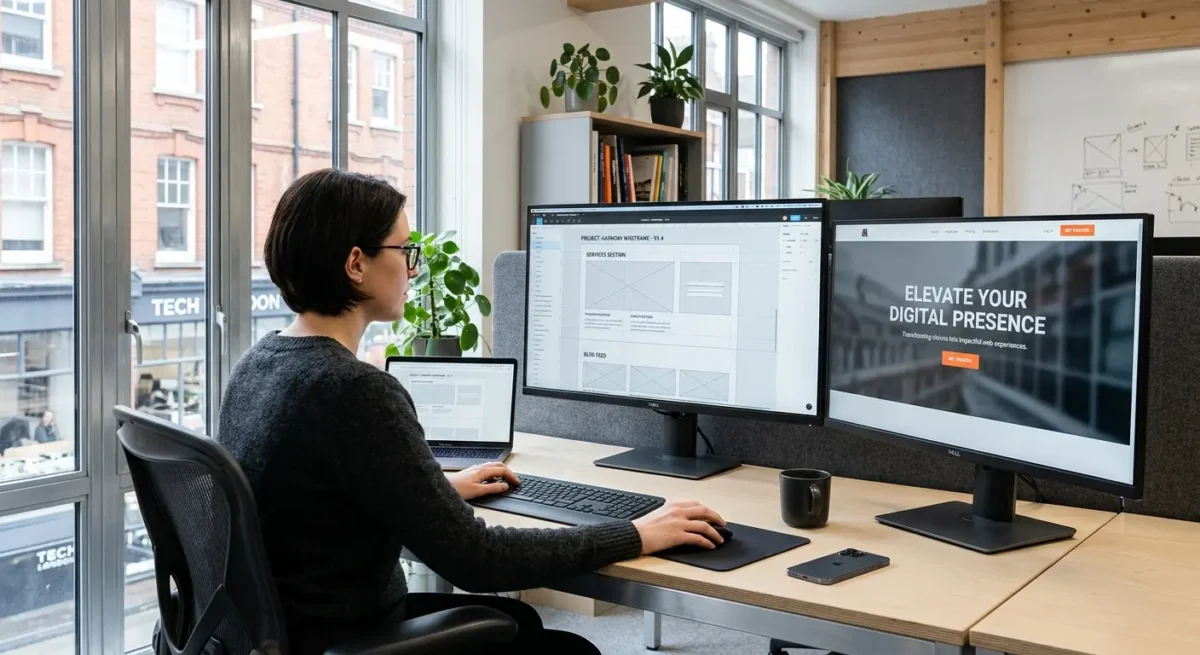
Good hosting, sensible caching and proper image handling all have a direct effect, because the page can start delivering the important assets sooner and in the right format and size. On the design side, simpler above-the-fold layouts usually win: one clear heading, one supporting message, one well-prepared image, restrained font choices and no movement that delays or distracts from the first view. That does not mean stripping out branding or making every site look plain. It means giving the first screen a job to do, then designing it so it appears quickly and cleanly.