
Hosting Choices and Their Impact on Site Speed
A lot of slow websites get blamed on WordPress, the design, or “too many plugins”, but in practice the hosting is often the real problem. I have seen perfectly decent builds held back by overcrowded shared servers, poor configuration, and hosting packages that were never right for the business in the first place. That matters beyond page speed scores, because hosting affects reliability, search visibility, form enquiries, and how often someone on your side ends up chasing technical issues instead of getting on with work.
This article looks at shared, managed, and custom hosting in plain English, from a business point of view rather than a sysadmin one. It also covers why server location matters for UK audiences, and why the underlying hardware, including available resources and NVMe storage, can make a noticeable difference to how quickly a site responds under normal day-to-day use.
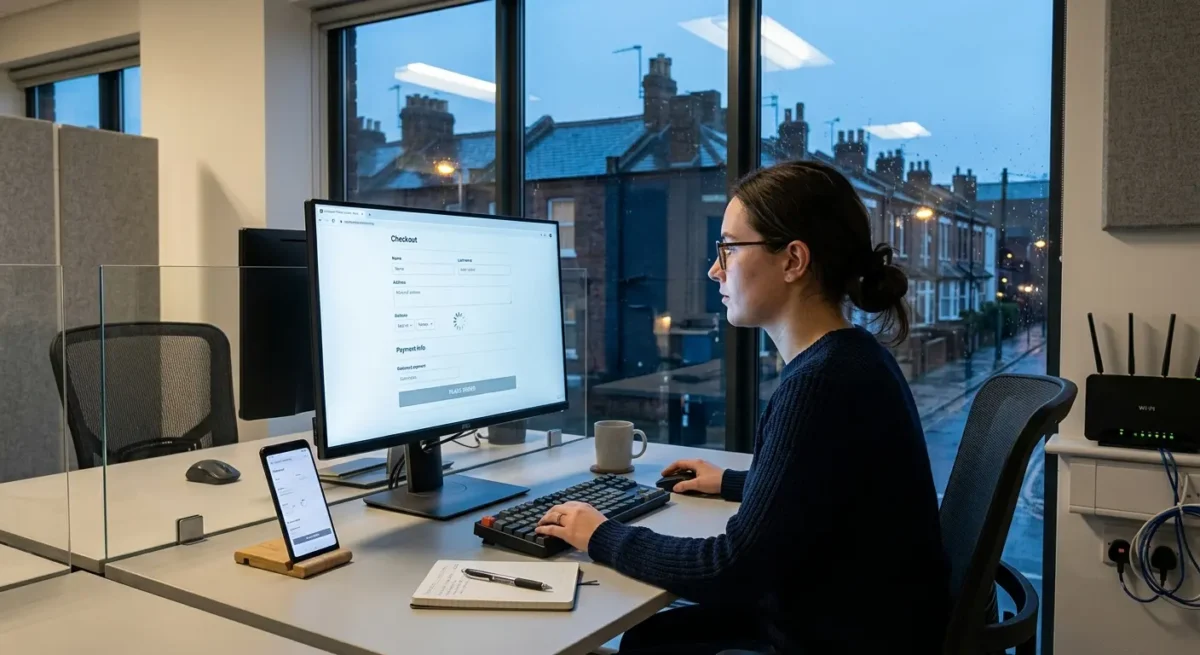
Why hosting affects more than page speed
The server setup shapes how the site feels to use, how easy it is to manage, and how much friction it creates behind the scenes.
Most people notice hosting through small delays rather than obvious failures. Pages take a beat too long to load, forms feel sluggish after clicking submit, and the site seems slightly hesitant compared with competitors. That affects trust more than many businesses realise, especially for service firms where the website is often the first proper impression.
A good build can still be held back
I have seen well-built WordPress sites with sensible plugins, clean code, and properly optimised images still feel slow because the hosting was overloaded or poorly configured. In that situation the website design is not the real problem. The server is simply too constrained or inconsistent to deliver the site properly, so the whole thing feels heavier than it really is.
WordPress admin speed matters as well
Slow hosting does not only affect visitors. It often shows up in the WordPress dashboard first, where pages take longer to load, updates drag, saving changes feels unreliable, and routine jobs take more time than they should. If your team or your developer dreads logging in to make simple edits, that is a business cost, because small maintenance tasks start getting delayed or avoided.
Hosting also changes the support workload over time. Better hosting will not fix every issue on its own, but it usually means fewer random slowdowns, fewer timeout errors, and less time spent trying to work out whether the problem sits with the site, the server, or both. Poor hosting creates noise around an otherwise decent website, and that noise turns into extra admin, extra support requests, and slower progress when the site needs to grow.

Shared hosting: cheap to buy, costly when it starts holding the site back
It can suit a simple site, but the limits show up quickly once the website starts doing real business work.
With shared hosting, your website sits on a server alongside many other websites, all drawing from the same pool of processor power, memory, and storage. That setup keeps costs down, which is why it is common on entry-level plans, but it also means your site is only one tenant in a crowded building.
The noisy neighbour problem
If another site on that server gets a traffic spike, runs heavy processes, or is simply poorly managed, performance can dip for everyone else sharing the same resources. You may not see a full outage, but you can get the more frustrating version of the problem: pages that are quick one minute and sluggish the next, forms that hang after submission, and occasional timeout errors that are hard to pin down because they do not happen consistently.
Signs it is becoming a bottleneck
I usually see the first warning signs in the WordPress back end before a client notices anything on the front end. The dashboard feels slow, page edits take too long to save, plugin updates drag, and the site becomes oddly inconsistent under normal use rather than obviously broken.
Shared hosting can still be perfectly reasonable for a very small brochure site with light traffic, a handful of pages, and no real reliance on speed-sensitive features. If the site is rarely updated, does not need much from WordPress, and is not a major source of leads, it may do the job for a while without causing real trouble.

Managed hosting: what you are actually paying for
A practical middle ground for businesses that need reliable performance without running the technical side themselves
Managed hosting usually gives you more than server space. In practice, you are paying for a hosting setup that is tuned for the type of site you run, plus backups, security monitoring, update handling, caching, and support from people who deal with WordPress issues every day rather than reading from a generic script.
Consistency is often the real benefit
Plenty of businesses assume managed hosting is mainly about making a site dramatically faster. Sometimes it is, but the more noticeable improvement is often stability. Pages load more predictably, the dashboard behaves properly, backups are easier to trust, and routine jobs like plugin updates or restoring a previous version are less likely to turn into a half-day problem.
That matters because most website problems are not dramatic crashes. They are the quieter issues that waste time: a site that slows down at busy times, a plugin conflict after an update, a form that starts failing, or a checkout that behaves oddly. With a decent managed host, there is usually a clearer support path and a better chance that the person helping you understands the hosting environment, the WordPress stack, and where to look first.
Less technical overhead for your team
For most SMEs, that is the real value. You do not need to make constant decisions about caching layers, backup retention, security hardening, staging sites, PHP versions, or whether a server setting is causing the issue. Not all managed hosts are equally good, and some are little more than shared hosting with better branding, but a strong one suits businesses that want solid performance and fewer technical distractions without taking server management in-house.
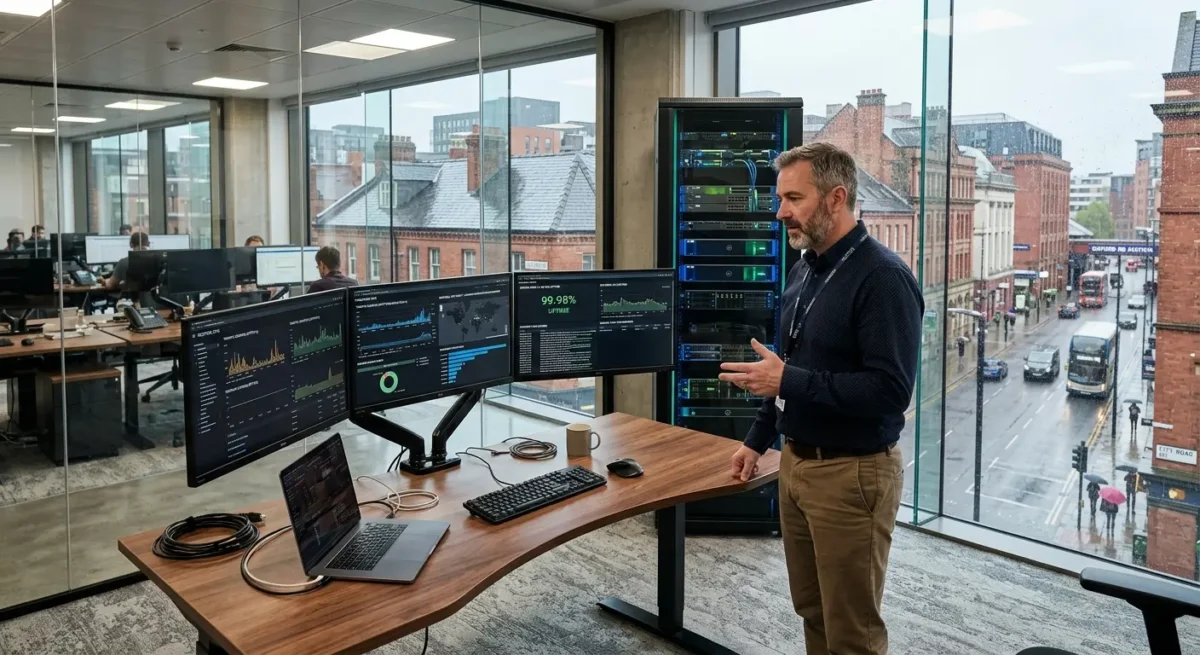
Custom hosting: when a bespoke setup makes sense
A tailored setup suits sites with specific technical demands, not businesses chasing a more expensive label
Custom hosting starts to make sense when the website has requirements that standard plans are not built around. That might be a WordPress site pulling data from a CRM, stock system, or membership platform, a multi-site setup serving different brands or regions, a site handling heavy traffic spikes, or a business with stricter security rules because of the kind of client data it processes.
Where bespoke setup helps
The benefit is not that custom hosting is magically faster. It is that the server can be configured around the actual job the site needs to do. If a site is slow because database queries are heavy, background tasks are stacking up, memory is too tight, or caching needs more control than an off-the-shelf plan allows, a bespoke environment can remove those bottlenecks instead of forcing the site to fit someone else’s defaults.
The trade-off
You get more flexibility, but you also take on more decisions. Someone still needs to manage updates, server tuning, monitoring, backups, security rules, and the knock-on effects when the site changes. That can be handled by a good development partner or infrastructure team, but it is not the kind of thing most SMEs want to own internally unless there is a clear reason.
For many businesses, custom hosting is simply too much too early. If the site is a standard marketing site, brochure site, or service business website without unusual integrations or traffic patterns, strong managed hosting is often the more sensible choice on day one, with custom infrastructure kept in reserve for the point where a real limit appears.

Server location: why geography still matters
Physical distance affects how quickly your site starts responding, which matters most when your visitors are mainly in the UK.
If most of your customers are in the UK, hosting the site closer to them usually helps reduce latency. That is the small delay between a visitor asking for a page and the server starting to send it back. On a fast, well-built website the difference may not be dramatic on its own, but it is still part of the overall feel, especially on mobile connections and busier pages.
Response time is not the same as full load time
A server can respond quickly and the page can still feel slow if the site is heavy, poorly optimised, or pulling in too many scripts, fonts, and images. In practice, location affects the first part of the journey more than the whole experience. A London business with a lean WordPress build on a UK or nearby data centre will often feel sharper for UK users than the same site running much further away, but location does not fix website design or development problems.
If your audience is spread out, the decision changes
Some businesses serve mainly the UK and should optimise for that. Others have leads, customers, or teams across several regions, and then you are balancing speed for different audiences rather than picking one obvious location. In those cases, the right answer depends on where the core traffic is, where conversions happen, and whether the site needs a more distributed setup rather than a single server chosen only for UK performance.
A CDN can help by serving images, scripts, and other static files from locations closer to the visitor, which is useful and often worth having. It does not replace the main server though, because the page still has to be generated somewhere, the database still lives somewhere, and logged-in areas, forms, and dynamic content still depend heavily on the origin server being in a sensible place.

Hardware matters: CPU, memory and NVMe storage in plain English
What the server is actually working with affects how quickly pages are built, how well the site copes with busy periods, and how reliable the admin area feels day to day.
CPU and memory shape responsiveness most obviously when the site is under pressure. CPU handles the work of processing requests, running PHP, and building pages, while memory gives those processes room to run without choking each other. If either is tight, the first signs are usually familiar: slower page generation, a sluggish WordPress dashboard, delayed form submissions, and a site that feels fine in quiet periods but starts dragging as soon as several people arrive at once.
Storage matters more than many people realise
WordPress is database-heavy by nature, so storage speed affects more than just file uploads and backups. Every page view can involve database queries, options, post data, user sessions, plugin settings, and cached content being read or written in the background. Slow storage creates a bottleneck there, which means the server can have decent processing power on paper but still feel hesitant because it is waiting on disk activity.
NVMe drives help because they are much quicker at handling lots of small read and write tasks than older SATA SSDs or traditional hard drives. In practical terms, that tends to show up as snappier database access, faster admin actions, and less waiting when the site is doing several things at once, such as serving pages, processing WooCommerce activity, or running scheduled tasks. It does not turn a badly built website into a fast one, but on a well-built WordPress setup it removes a common source of drag.
Specs only help if you actually get them
Advertised hardware numbers can be misleading if the host packs too many accounts onto the same machine or keeps resource limits tight behind the scenes. A server can mention strong CPUs and NVMe storage, yet still perform poorly if your site is competing heavily with other customers for processing time, memory, or disk access. That is why real allocation, sensible limits, and low overselling matter more than a shiny spec list on a sales page.
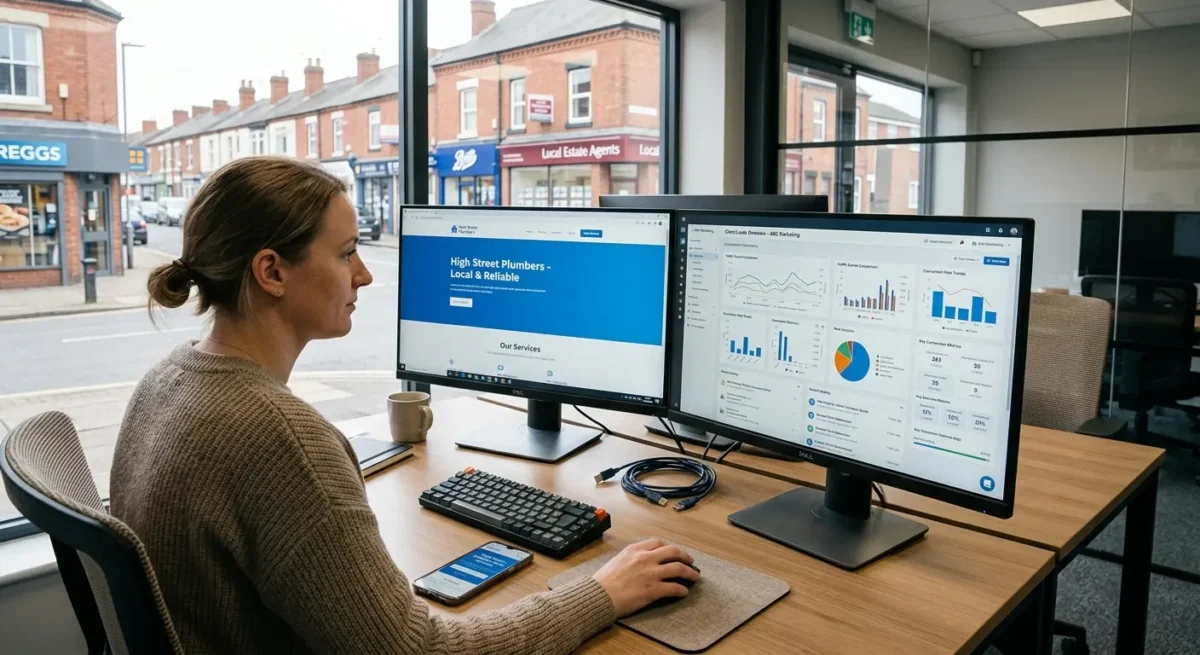
How to match hosting to the type of business website you run
Think about how the site earns its keep, how people use it, and what goes wrong if it slows down.
A simple brochure site for a local service business usually does not need an expensive custom setup if the build is lean and the hosting is decent. A lead generation site is different, because enquiry forms, landing pages, call tracking, CRM connections and campaign traffic create more moving parts, and the cost of a slow or unreliable site is higher if it affects booked calls or quote requests.
Function changes the requirement faster than traffic does
Content-heavy sites, publishers and businesses with regular spikes from PR, email campaigns or popular search pages need hosting that copes well with bursts, background tasks and heavier database use. Ecommerce, booking systems, membership areas and third-party integrations push that further, because the site is not just serving pages – it is checking stock, handling account sessions, processing bookings, talking to external systems and keeping admin actions responsive while customers are active at the same time.
If your team updates the site often, the back end matters almost as much as front-end speed. I have seen plenty of websites that load acceptably for visitors but feel slow and awkward in WordPress, which leads to delayed updates, poor content hygiene and a general reluctance to use the site properly.
Choose for now, with room to move
The sensible approach is to pick the simplest hosting setup that comfortably supports the current site, the normal pattern of use and the likely next step, whether that means more content, more leads or more functionality. That usually means avoiding both extremes: underpowered hosting that struggles from day one, and oversized infrastructure bought mainly for reassurance rather than any real business need.
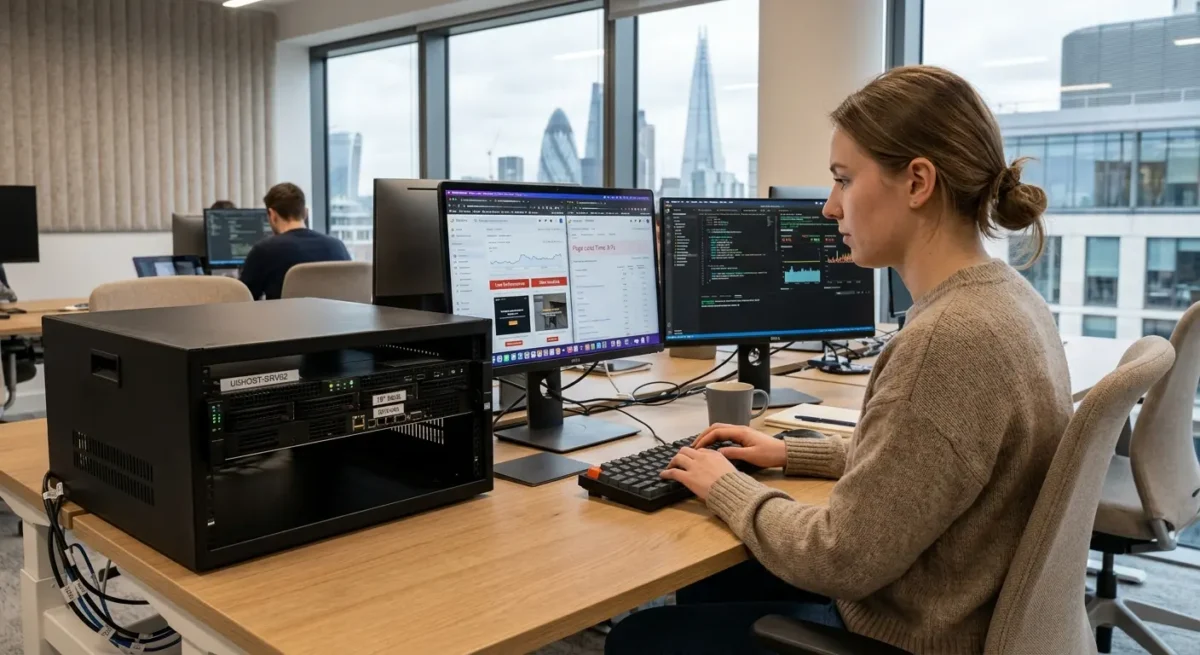
Common hosting mistakes that lead to slow websites
These are the decisions that quietly drag performance down long after the site goes live.
The most common mistake is choosing on price alone. Cheap hosting can be perfectly fine for a small, simple site, but many low-cost plans only work well while demands stay light. Once the site has proper traffic, form activity, plugins, integrations or regular content updates, the limits start to show in slower page loads, laggy admin areas and inconsistent performance at busy times.
A site can outgrow hosting without anyone noticing
I often see businesses keep the same plan they started with years ago, even though the website now does far more than it did at launch. A brochure site becomes a lead generation tool, then gains landing pages, tracking scripts, CRM links, email sign-up forms and a heavier WordPress back end. Nothing looks obviously broken, so hosting gets ignored, but the setup is no longer a good fit for the way the site is actually being used.
A website redesign does not solve server-side problems by itself. A cleaner build can remove waste and improve speed, but if the hosting is underpowered, overcrowded or badly configured, the new site still has to run in the same conditions. I have seen businesses pay for a rebuild expecting performance issues to disappear, only to find the server remains the bottleneck.
Location and support matter more than many people expect
Server location affects response times, especially if most visitors are in the UK and the hosting is based much farther away. Support matters too, because some plans include very little beyond basic uptime. If nobody is proactively managing updates, caching, PHP versions, backups, security or performance checks, the business is still carrying the risk even if the host is described as managed on the sales page.

What to ask before choosing a host or approving a rebuild
A few practical questions will tell you far more than a long list of technical specs.
You do not need to judge hosting like an engineer. You just need clear answers on who is responsible for updates, backups, security monitoring and incident response, because those jobs often get assumed rather than owned. If the reply is vague, or spread across the host, the developer and your own team, problems tend to surface later during plugin issues, failed updates or a security scare.
Ask who is actually on the hook
A sensible follow-up is to ask what happens if the site goes down, a backup is needed, or traffic suddenly jumps after a campaign or press mention. You are not looking for jargon. You are looking for a clear support path, realistic response times and whether someone proactive is watching the site or simply waiting for a ticket to be raised.
Get plain answers on location and resources
Ask where the server is located and why that location was chosen. If most of your visitors are in the UK, there should be a sensible reason for hosting much farther away, because distance adds delay before the page even starts loading. For some businesses, international infrastructure is perfectly reasonable, but it should be a deliberate decision rather than an accident of whoever set the site up years ago.
Then ask what resources are allocated to your site and whether those resources are shared with lots of other accounts. You do not need a lesson in server architecture. A plain-English explanation is enough: how much processing power and memory the site can use, whether storage is fast NVMe rather than older, slower drives, and what happens if neighbouring sites on the same platform get busy at the same time.
Things People Want to Know
A Web Designer’s Take
We often see businesses blame WordPress itself for slow performance when the real issue is hosting that was chosen on price and left unchecked for too long. A common problem is a site sitting on a crowded shared plan where backups, scans and other accounts compete for the same server resources, so speed becomes inconsistent even before you look at the build.
If the site is important to enquiries, search visibility, or day to day operations, I would usually rather see a business on solid managed hosting in the right location with sensible resources and NVMe storage than on the cheapest plan or an overcomplicated custom setup with no clear need behind it.
You might like these too
These sit in the same category as the one you are reading. They follow the same thread and offer a bit more depth. Have a look if you want to go further.