
Speed Optimisation for WordPress – Real Checklist
A slow WordPress site often follows a familiar pattern: the pages drag, someone installs a cache plugin, the score shifts a bit, and the real causes are still sitting there in the build. In practice, performance starts much earlier, with the theme, the code, the number of plugins, the weight of assets, and whether scripts and styles are only loaded on the pages that actually need them. A website should be fast before any cache plugin is installed, because caching can help delivery but it does not fix a heavy, messy setup underneath.
This checklist is for people who need a clear view of what genuinely affects speed, what rarely moves the needle, and where time is usually wasted. It stays high level, but it comes from real development work rather than chasing PageSpeed tips for the sake of it. From our side, the fastest WordPress sites are nearly always custom built, with as few plugins as possible and more optimised code doing the work instead. It is not glamorous, I know, but loading only what each page needs is one of the most reliable ways to improve performance.

Start with the build, not the fix
Most speed problems are baked in early by the theme, the code, the page structure and how much is loaded before anyone starts tweaking settings.
A website should be fast before any cache plugin is installed. Caching can help serve pages more efficiently, but it does not remove bulky layouts, unnecessary scripts, oversized style files, or plugin code that runs across the whole site whether it is needed or not.
Why heavy builds stay heavy
Bloated themes and drag-and-drop page builders often look convenient at the start, but they tend to bring a lot with them. Extra layout systems, animation libraries, styling controls and general-purpose features all add weight, and much of that weight loads on every page even if you only use a small part of it.
That is why performance is usually a build quality issue, not just a settings issue. If the site is put together with lean templates, sensible layout choices and code written for the actual job, there is less to fight later. In our work, bespoke builds with lean code usually outperform template-based setups because they do less, more cleanly, and can load scripts and styles only where they are needed.
That does not mean every off-the-shelf approach is wrong, because some projects need speed of delivery more than fine control. It does mean you should treat the build itself as the main performance decision, especially if the website is expected to support search visibility, lead generation and day-to-day business use for years rather than just getting launched quickly.
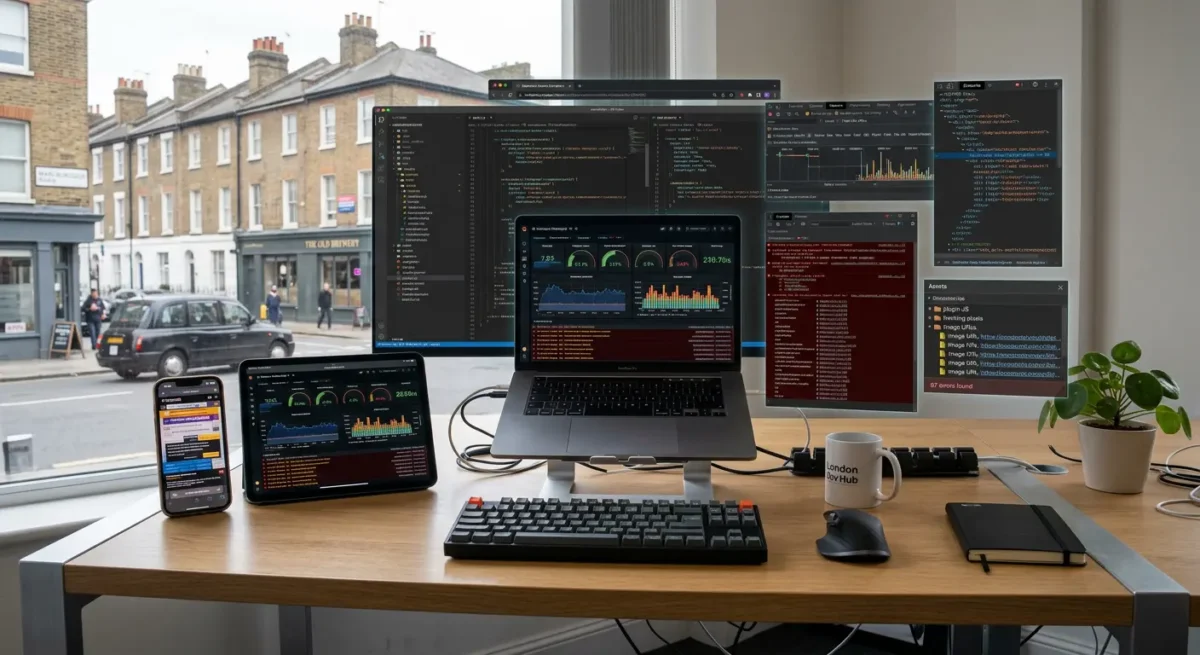
What actually slows a WordPress website down
The useful distinction is between things that make every page heavier by default and things that only need tidying around the edges.
The biggest culprit is usually volume. Too many scripts and style files load across the whole site, including pages that do not use them, so a simple contact page ends up dragging in sliders, form assets, icon packs, tracking code and layout rules that belong somewhere else. This is one of the clearest signs of a structural build problem rather than a quick settings fix.
Media causes delays surprisingly often
Images are another common issue, especially when they are uploaded far larger than they need to be or dropped in without any real thought about where and how they appear. Video backgrounds, oversized hero images, full-resolution gallery uploads and poorly handled WebP conversions can all slow pages down before the rest of the page has even had a chance to render.
Third-party tools also add weight quickly. Chat widgets, cookie tools, booking systems, embedded Instagram feeds, maps, tracking scripts and tag managers can all be useful, but each one asks the browser to fetch more from somewhere else, and that extra work often lands on every page whether it earns its place or not.
Hosting matters, but it is not the whole story
A weak server setup can make a bad build feel even worse, so hosting does matter, particularly on busy sites or WooCommerce builds. Even so, better hosting does not magically slim down heavy pages, and database bloat is usually a secondary issue in comparison with front-end weight, poor asset loading and unnecessary third-party code. A cluttered database can contribute to sluggishness in some cases, but it is rarely the first place we find the real problem.

The checklist that matters most
Start with the few checks that usually move the needle, then ignore the busywork that rarely changes much.
The first thing to review is what each page is actually loading. A services page, contact page and blog post do not need the same scripts, styles or third-party tools, yet many WordPress builds treat every page as if they do. That is why a website should be fast before any cache plugin is installed, because caching can help delivery but it does not fix a page that is carrying files it never needed in the first place.
Keep page assets specific
Aim to load scripts and styles only where they are needed. If a slider appears on one landing page, its files should not be loaded across the whole website. The same applies to forms, booking tools, pop-ups, maps and anything else that only serves a small part of the site. In practice, this is one of the clearest ways to improve PageSpeed because it cuts weight from ordinary pages without changing the content people actually came to see.
Plugin count is not the only issue, but plugin reliance often is. We usually see better results from custom-built websites with as few plugins as possible and more custom optimised code, simply because there is less overhead and far more control over what loads where. Some plugins are perfectly reasonable, but if a feature can be handled more cleanly in the build itself, that is often the better long-term choice.
Be hard on web design extras
Use appropriately sized images and modern formats where suitable, keep layouts simple where possible, especially above the fold, and look critically at fonts, sliders, animations and video backgrounds. A polished page does not need three font families, moving counters, a full-width video and a carousel competing for attention. The faster sites are usually the ones that make clearer choices rather than adding more parts.

Why page-level loading matters more than most people realise
Pages feel quicker when they only carry the files needed for the job in front of the visitor.
One of the most common problems in WordPress builds is that every page loads the same bundle of CSS and JavaScript, whether it uses those features or not. A contact form script does not need to load on every page, and neither do files for sliders, pop-ups, maps or booking tools that only appear in one part of the site.
This affects more than a speed test
Reducing unnecessary CSS and JavaScript usually helps both PageSpeed scores and the way a page feels to use. The browser has less to download, less to parse and less to execute before the page settles, which means content often appears more cleanly and interactions feel less delayed.
This matters even more on larger websites. WooCommerce or other feature-specific assets should be reviewed page by page where relevant, because product galleries, basket functions and account features may be essential in one area and pointless everywhere else.
Why custom builds make this easier
With custom development, it is usually far simpler to control what loads where because the site is built around the actual requirements rather than layers of general-purpose tools. Stacked plugins can still have a place, but the more moving parts you add, the harder it becomes to keep ordinary pages free from code they never needed.

What rarely helps as much as people think
These tasks can be useful, but they do not fix a heavy build on their own.
A cache plugin can improve delivery, especially on a site with repeat traffic or slower hosting, but it should not be treated as the foundation of performance. If the website is already sending too much CSS, JavaScript, oversized images and third-party code, caching mostly serves the same excess more efficiently. A fast WordPress site should be well built before any cache plugin is installed.
Helpful, but often overstated
Minification and compression are worth doing, because smaller files are usually better than larger ones, but they are rarely the biggest win on a poor build. Saving a bit of file size does not change the fact that too many files may still be loading, or that scripts meant for one feature are being pushed site-wide. In practice, loading fewer assets on each page usually moves PageSpeed more than squeezing the same bloated bundle a little harder.
Database clean-up has its place as well. Removing old revisions, expired transients and general clutter can help keep the back end tidier, yet it will not do much for a front end weighed down by theme overhead, page builder output or plugin assets loading everywhere. If visitors are waiting on render-blocking files, layout shifts or long script execution, the database is rarely the main issue.
Reports do not improve performance
Repeated audits are useful only if they lead to build changes. We often see teams run the same tests over and over, then spend time discussing scores instead of removing the code, files and features causing the drag. The report is not the work. The work is changing what the page actually loads and how the site is put together.

Fast websites are usually simpler websites
Speed improves when each page focuses on its job, instead of carrying extra design flourishes, features and code that add little business value.
Every extra feature has a cost, even if it looks small in a planning meeting. Sliders, animation libraries, pop-ups, advanced form tools, live chat, map embeds and tracking add weight, script execution and more chances for something to clash. If a feature does not help the page do its actual job, whether that is generating an enquiry, explaining a service or supporting a sale, it needs a stronger reason to stay.
Fewer moving parts usually means fewer problems
We regularly find that plugin count is not just a maintenance issue but a performance issue as well. More plugins often means more CSS and JavaScript, more database activity, more updates to manage and more risk of overlap where several tools try to solve the same problem in different ways. A custom build with leaner, purposeful code is usually easier to keep fast because it avoids loading layers of general-purpose functionality that most pages never use.
Clear structure helps speed in ways people often miss. A straightforward page layout, sensible content hierarchy, properly sized media and restrained use of effects make the site feel quicker because the browser has less work to do and the visitor has less to fight through. That does not mean every site should look stripped back or plain. It means website design choices should support the message, not compete with it.
Simple is not the same as generic
A simple website can still feel premium, distinctive and well thought through. The difference is that the important parts are doing the work, while decorative extras are used with some discipline rather than scattered across every page. Useful features should stay if they help the visitor and support the business goal, but they should be built and loaded carefully, not added by default because a theme demo looked impressive.
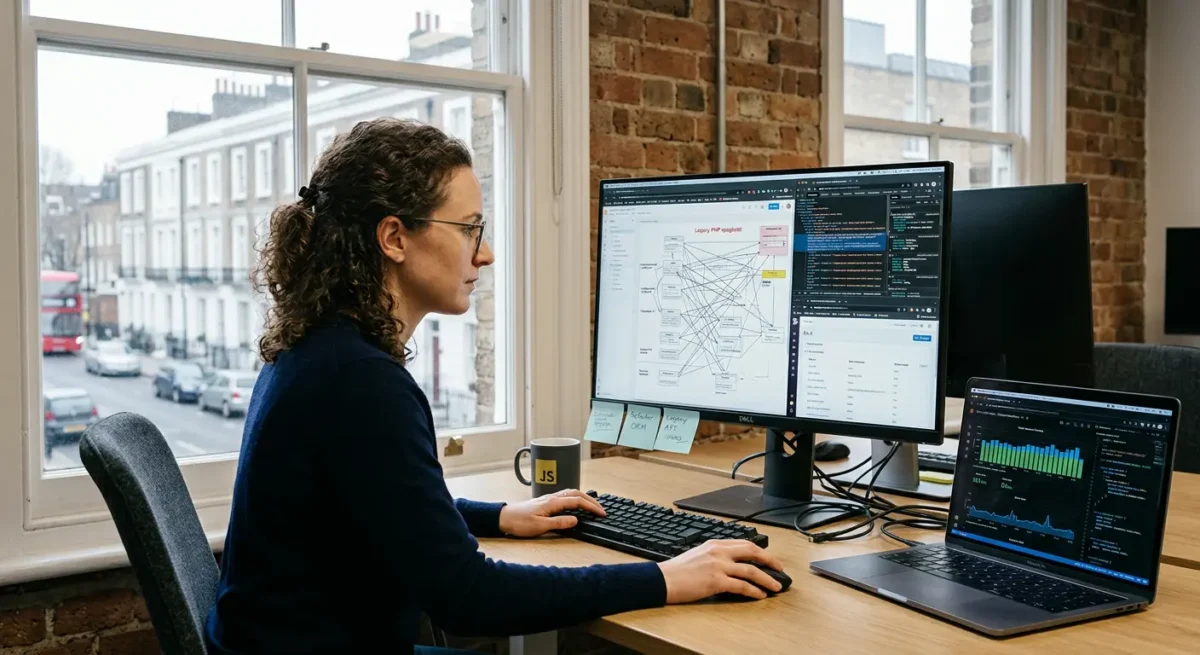
How to judge whether a rebuild is smarter than more optimisation
Use the condition of the site, not the audit score, to decide whether careful fixes are enough or the whole setup is working against you.
A site usually has too much legacy baggage when every change uncovers another workaround: an old theme that has been heavily altered, page builder layouts inside page builder layouts, plugins added to patch gaps, and scripts or styles loading across the whole site whether they are needed or not. In that situation, the problem is not one slow image or one missed setting. The structure itself is carrying weight it never needed to carry.
Repeated fixes can become the expensive route
We see this a lot on older WordPress sites that have been adjusted by different people over several years. One round of optimisation improves something, then the next issue appears somewhere else because the underlying build is still doing too much. By the time you have paid for several rounds of patching, testing and compromise, a proper rebuild often would have cost less and left you with a cleaner result that is easier to maintain.
Templates often get harder to slim down
Template-based builds can look efficient at the start, but they often rely on broad theme frameworks, bundled features and general-purpose assets designed to cover every possible layout. That is why they can become awkward to optimise later. Removing one feature can affect three others, and loading scripts only where they are needed is much harder when the site was not planned that way from the beginning.
That said, not every slow site needs rebuilding. If the structure is sensible, the codebase is reasonably lean and the main issues are things like oversized media, poor hosting, unnecessary third-party tools or assets loading on the wrong pages, targeted improvements can work well. The key is being honest about whether you are refining a solid build or trying to rescue one that was never put together with performance in mind.
What to ask a web design partner before they touch performance
Use a few simple questions to find out whether they have a clear method, or just a bag of tweaks.
Ask them how they work out what scripts and styles load on each page. A good answer should sound practical, not vague. They should be able to explain how they check which assets appear site-wide, which only belong on certain templates, and how they stop things like sliders, forms or tracking tools loading where they do nothing except add weight.
The site should be quick before caching enters the picture
Ask whether they expect the website to perform well before any cache plugin is added. Caching can help, but it should support a lean build, not hide a bloated one. In our own work, the fastest WordPress sites are custom built, use as few plugins as possible, and rely more on properly optimised code than layers of performance add-ons.
Ask how they reduce plugin reliance without creating a maintenance problem later. That means knowing when a plugin earns its place, when a small custom solution is cleaner, and how custom code is documented, tested and kept manageable. If they cannot explain that balance in plain English, you may end up swapping one type of mess for another.
Look for judgement, not a recital of fixes
Ask them to explain their priorities in order, using normal language, and to show how they balance speed with design quality, SEO structure and future editing needs. The useful answer is rarely a long checklist of minor tweaks. It is a clear view on what matters first, what is optional, and what trade-offs are sensible for your type of site.
Things People Want to Know
A Web Designer’s Take
We often see websites that have had plenty of optimisation work bolted on later, while the original build still loads too much code on every page. A common problem is scripts and styles being enqueued site-wide by default, even when the feature only appears on one template or a single section of the site.
If a WordPress site only feels fast after a cache plugin is installed, I would usually treat that as a warning sign rather than a success. Caching can help, but it should support a lean build, not disguise a heavy one.
You might like these too
These sit in the same category as the one you are reading. They follow the same thread and offer a bit more depth. Have a look if you want to go further.