Let’s figure this out
A couple quick questions so we can point you in the right direction.
Who uses email in your workflow?
How many emails do you get daily?
What actually stopped working
Your emails did not break. Gmail stopped collecting them
Nothing happened to your company email account. It is still active. People can still send messages to it. The problem is not your domain, your hosting, or the sender.
What stopped is the connection between Gmail and your company mailbox.
For years, Gmail was quietly collecting your work emails and placing them into your inbox. That background process has now been switched off. When Gmail stops collecting, the emails stay on the company mail server instead of appearing in your Gmail account.
This is why the change feels confusing. From your side, Gmail looks normal. You can send and receive personal emails as usual. There is no error message telling you that work emails are missing.
Gmail does not show a warning when this happens. It does not explain what changed. Emails simply no longer arrive, even though they are still being sent correctly.
The important thing to understand is this. Your emails did not disappear. Gmail just stopped picking them
Who notices the problem first
Usually people who used Gmail as their main work inbox
The first people to notice are those who relied on Gmail to handle everything. They used Gmail not just for personal messages, but also as the main place for company email.
These users often do not log in to their hosting email at all. They may not even remember the webmail address. Gmail was the only inbox they checked during the day, both at work and on their phone.
At first, it does not look like an email issue. It feels like business is quiet. Fewer replies come in. New enquiries slow down. Nothing looks obviously broken.
The problem becomes clear only when someone says they sent an email that was never seen. By then, several messages may already be sitting unread on the company mail server.
Users who already use a separate mail app usually notice later, or not at all. But for people who depended fully on Gmail, the change is immediate and disruptive.
What to do now and how to choose the right option
Before fixing anything, you need to decide how you actually use email
Before changing settings or paying for a new service, it is important to pause and think about how email is used in your case. The right solution depends entirely on this. There is no single option that fits everyone anymore.
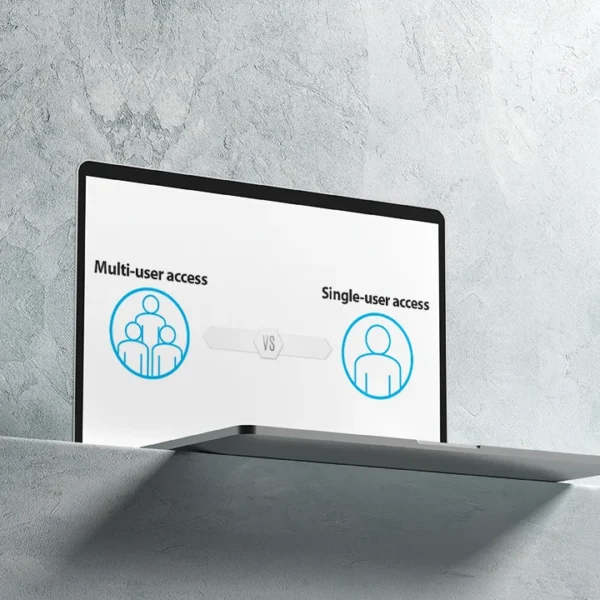
Some people only need email for themselves. One person. One company address. Used on one computer, maybe with a phone as well. For this type of use, the change is inconvenient but not dramatic.
Others rely on email across several devices. A laptop, a phone, maybe a tablet. Some teams share inboxes or use the same address between several people. This is where the old Gmail setup made life easy, and where the loss is felt most.
You now have to decide what matters more. Do you want everything in one inbox, or are you fine with separating personal and work email. Do you need email to sync across multiple devices, or is one main device enough. Do several people need access to the same mailbox, or is it strictly personal.
These questions are not technical. They are about daily habits. How you read email. How quickly you need to respond. Who else depends on those messages.
Once this is clear, choosing the next step becomes much easier.
One person, one device. The simplest case
Your work email will be separate from Gmail, and that is usually fine
If only one person uses the company email and it is checked mainly on one computer, this situation is fairly straightforward. The main change to accept is that your work emails will no longer appear inside Gmail. From now on, they live in a separate inbox.
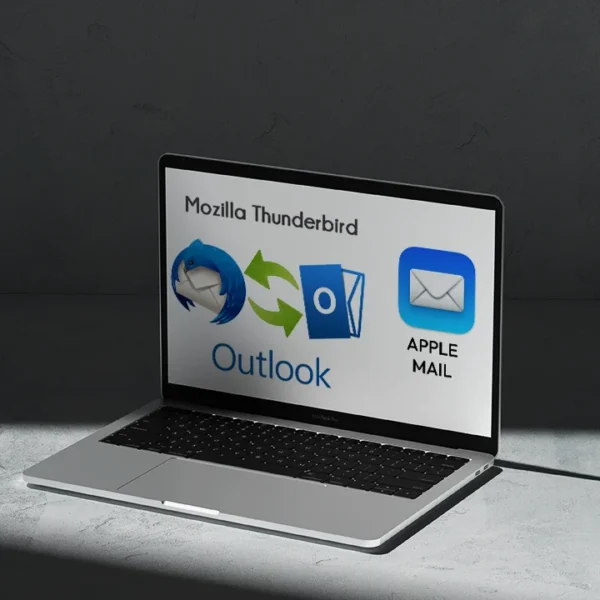
To read and send work emails, you just install an email app on your computer. Popular options include Outlook, Apple Mail, Windows Mail, and Thunderbird. These apps are built for this exact purpose and work well for basic daily email use.
If you also read email on your phone, the same idea applies. Every phone already has a mail app. On iPhone, you use the built in Mail app. On Android, you can use Gmail for personal email and another mail app for work, or a separate profile inside Gmail if supported.
There is nothing complex to manage in this case. You open one app for personal email and another for work. It is not as convenient as before, but it is reliable and usually free.
For many single users, this is the most practical and least stressful solution.
When few or several people use the same email
This is where free setups stop being comfortable
If several people use the same company email, or if emails are checked on many devices, things become more complicated. This is the situation where the old Gmail setup was doing a lot of invisible work for you.
The cheapest option is to use webmail only. You log in through the browser provided by your hosting company and read emails there. To avoid running out of space, emails need to be deleted regularly. There is no extra charge, but it is manual and easy to forget.
A more comfortable option is to contact your hosting provider and ask about paid email plans. These usually offer much larger mailbox sizes. Emails stay on the hosting server, and you can access them through webmail or any email app on computers and phones. This removes most daily headaches and works well for small teams.
The third option is Google Workspace. Your company email runs on Google’s system and looks like Gmail. This feels familiar for many users and works well across devices. The downsides are cost, payment for each email every month, separation from personal Gmail accounts, and a setup process that is not always simple for non technical users.
There is no perfect replacement for the old setup. Each option trades convenience, cost, and control in different ways.
What this actually costs now
Free email at this level no longer exists
This is the part many people do not expect. Once Gmail stops collecting your company emails, there is no free replacement that works the same way.
Basic hosting email is usually limited to a very small mailbox. For light use it might be enough, but as soon as email becomes important, storage fills up quickly. At that point, providers move you to a paid plan.
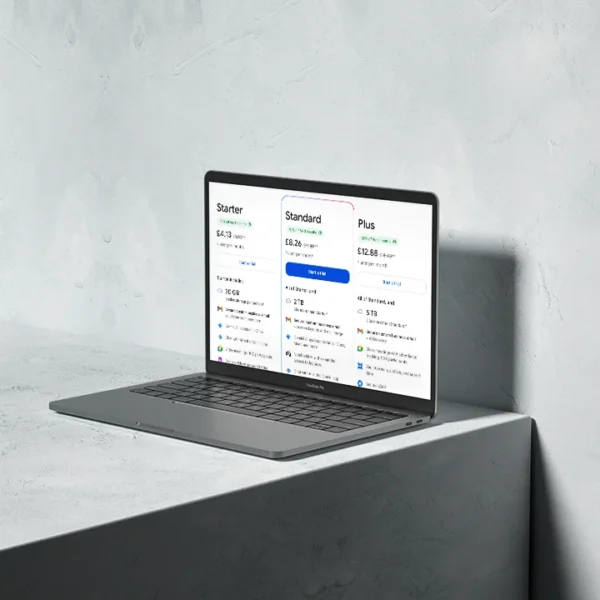
In real terms, paid email usually costs between six and thirty pounds per month for each email address. The price depends on mailbox size, provider, and features. Google Workspace, hosting providers, and business email services all fall into this range.
This is not about luxury features. You are paying for storage, reliability, and the ability to use email across devices without constantly worrying about limits.
For many users, the cost feels frustrating because the same setup worked for free for years. Unfortunately, that period is over.
What happens if you ignore it
Emails do not stop being sent, you just never see them
If you do nothing, your company email keeps working in the background. People can still send messages to your address. From their side, everything looks normal.
The problem is that those emails no longer arrive in your Gmail inbox. They sit on the company mail server instead. Since most people do not check hosting webmail, the messages remain unread.
There is no clear warning. Gmail does not show an error. It does not tell you that emails are missing. The silence makes it easy to assume nothing is happening.
Over time, this leads to missed enquiries, delayed replies, and confused clients. You may think business is quiet, while in reality emails are waiting somewhere you are not looking.
This is why doing nothing is the worst option. The issue does not fix itself, and the failure is easy to miss.
Why email suddenly became a paid service
What used to be a free shortcut no longer exists
Most hosting providers still include free email mailboxes, but they are very limited. Storage is usually around one gigabyte, sometimes less. This was never meant for long term storage or heavy daily use.
Gmail changed how this worked. It used to collect your company emails, store them in your Gmail account, and then remove them from the hosting server. Your Gmail inbox held everything, while the server stayed almost empty.
This setup made free hosting email feel unlimited. In reality, Gmail was doing all the storage work for free.
Now that Gmail no longer does this, emails stay on the hosting server. Storage fills up quickly, and free limits are reached. Once that happens, the only option is to upgrade to a paid plan.
The shortcut that kept everything free is gone. That is why payment is now unavoidable, unless you want contantly delete old emails.
Why this change really happened
The official reason sounds technical. The real reason is simpler
The official explanation talks about security. Google says older email methods are unsafe and no longer meet their standards. From their point of view, removing them reduces risk.
That explanation exists, but it is not the full story.
This setup worked reliably for many years. It did not suddenly become a problem overnight. The timing of the change matters.
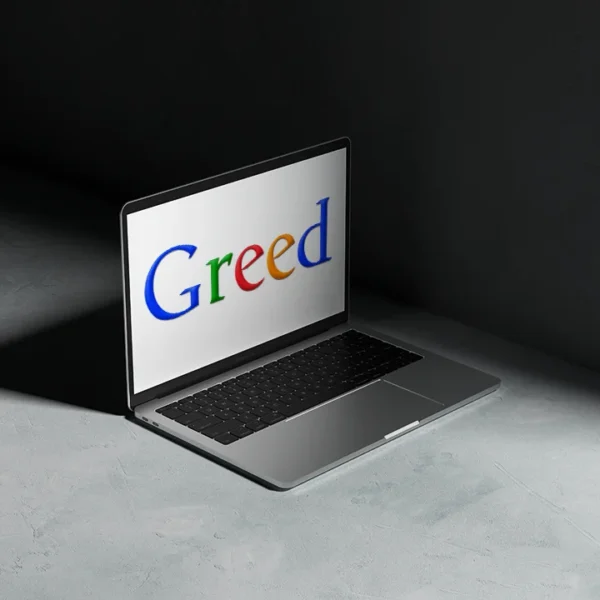
The reality is that Google wants businesses on Google Workspace. That is where company email fits neatly into their paid ecosystem. Fewer free shortcuts means more users moving to paid plans.
This is not unusual. Large platforms slowly remove free features that support paid products. Email is no exception.
So while security is the public reason, the practical outcome is clear. To keep a similar level of convenience, you now have to pay.
You might like these too
These sit in the same category as the one you are reading. They follow the same thread and offer a bit more depth. Have a look if you want to go further.